Build a conceptual framework grounded in the literature
Build a conceptual framework where every relationship is checked against full-text sources: supported links carry real citations, unsupported ones surface as clearly labeled conjectures, never silent claims.
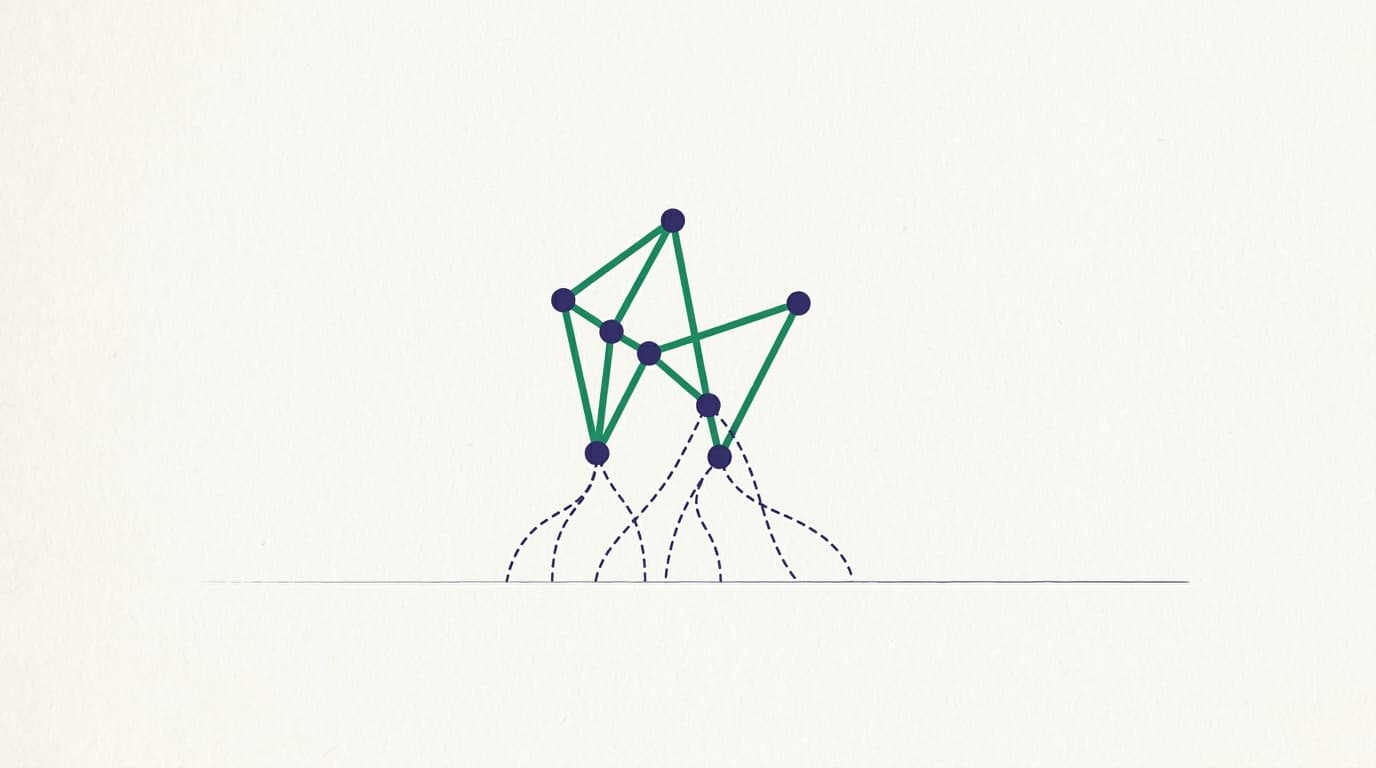
A conceptual framework is the map of your study: the constructs your question involves and the relationships you expect between them. It is where a lot of theses quietly go wrong, because a framework drawn from intuition looks exactly like one drawn from evidence. Boxes and arrows carry an air of authority whether or not any paper supports them. Question Builder builds the framework the honest way: it grounds each relationship against full-text literature and refuses to let an unsupported link masquerade as an established one.
Constructs first, from your question
Start from a pinned or candidate question and build its framework. The builder extracts the constructs your question actually involves (the variables, the mechanisms, the outcomes) rather than asking you to name them cold. That extraction is drawn from the question itself, so the map is a picture of what you are about to study, not a generic diagram.
The build takes a minute or two, because grounding each relationship is real work, not a template fill. A live progress line narrates each link as it goes.
Every relationship is checked against full text
This is the part that separates a grounded framework from a decorative one. For each proposed relationship between two constructs, the builder looks for support in the full text of papers, not their abstracts and never the model's memory. A relationship the literature backs is kept as a grounded link, carrying a real citation and a fact-check verdict you can open. The framework becomes a set of claims you could defend, each with a receipt.
Supported links versus conjectures
Relationships the builder cannot ground in full text are not dropped and not silently asserted. They surface as conjectures, drawn as dashed links and labeled as proposals to investigate. That labeling is the whole point: a conjecture is a legitimate part of a framework (it is often exactly the gap your study exists to fill), but it has to be marked as one so no reader mistakes your hypothesis for a settled finding. If the corpus is thin on your topic, you may see every link come back as a conjecture; that is the honest signal to go add relevant papers to your Library and build again.
The diagram, the prose, and an optional styled render
You get a clean framework diagram, a prose write-up of the relationships, and the option to copy the diagram out as Mermaid to reuse elsewhere. The diagram is the canonical, grounded artifact. There is also an optional AI-styled illustration if you want a more polished picture for a slide, but it is explicitly decorative: the plain diagram remains the source of truth, and the styled version never changes what was grounded.
Commit it by pinning the question
Building a framework on a candidate card is exploratory: it lets you see the shape of a question without changing anything, and it does not touch your pinned thesis question. The framework that counts is the one built for the question you pin. Once a question is pinned and its framework committed, it lives in your project brief alongside your research question, study design, and target venue, and the tools downstream read it: your study design and chapter drafts build on that committed framework, not on a version you explored and moved past.
Where this fits
The framework sits between choosing your question and building your evidence base. If you are still settling the question itself, read "How to write a strong research question" first. With a framework committed, the natural next step is Literature Finder to gather the sources your grounded links point at, then the Synthesis Lab to turn them into a defensible chapter.